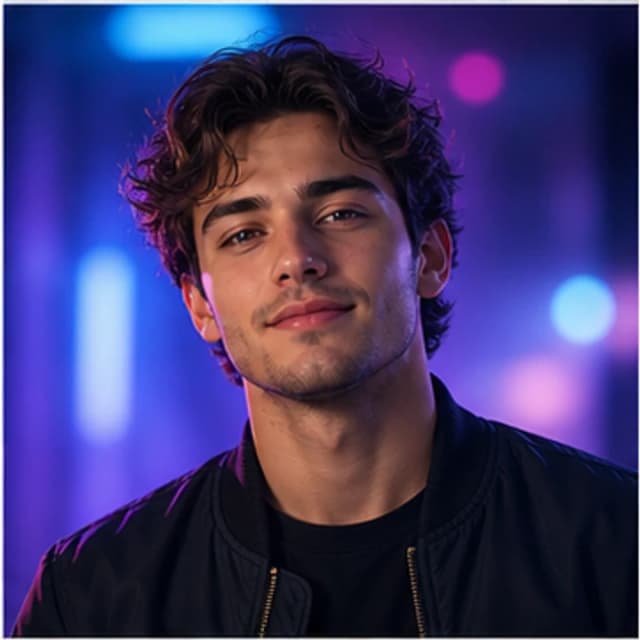
Social profile
Creator profile avatar
- 1:1 crop
- Friendly expression
- High contrast background
Profile-ready visuals
Generate profile photos, stylized portraits, creator avatars, character concepts, and team visuals. Choose a realistic, anime, 3D, or artistic direction in seconds.
Avatar samples
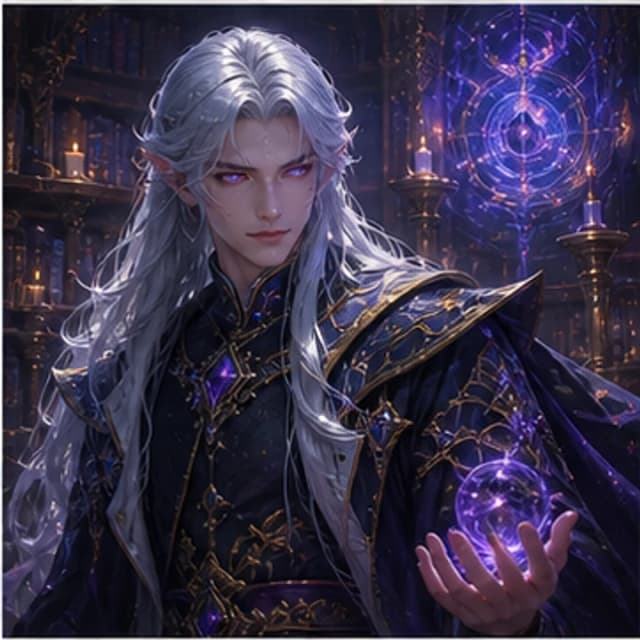
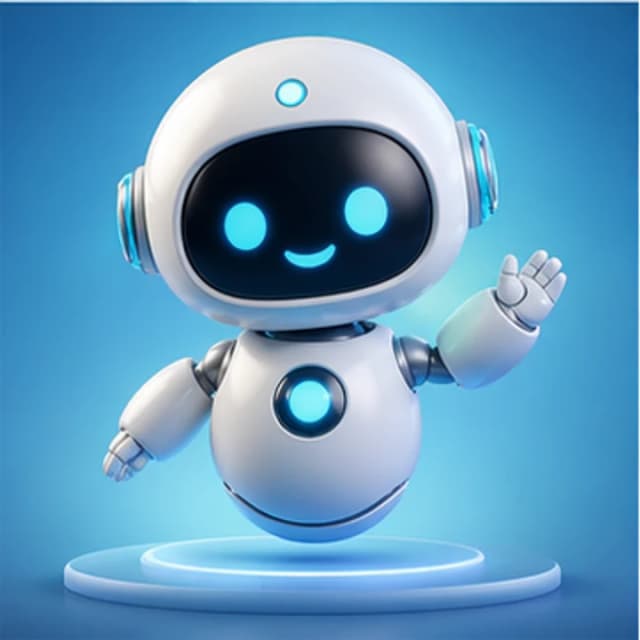
Explore profile art, characters, and brand avatars. Choose an expression, style, background, and crop to describe in your prompt.
Try it now
Use a prompt that describes the person, expression, outfit, background, and style. Then choose square format for social profiles.
Prompt examples
Choose a sample to load its prompt into the generator, then adapt it to your idea.
Practical Guide
Focus on a recognizable character and a readable crop. Define the character and style first, then adjust the expression and background. The revisions below explain prompt choices and do not guarantee a particular output.
Describe a hairstyle, outfit, and expression, such as 'short hair, round glasses, a slight smile'. Keep the important traits and avoid conflicting ages, outfits, or viewing angles. You do not need to provide a real name or sensitive personal details.
The default is realistic, and you can choose anime, 3D, or other available styles. Keep your prompt consistent with that choice rather than combining a photo, flat watercolor, and low-poly rendering in one attempt. Reuse your character description to explore styles.
Choose 1:1 for a profile image. Describe a head-and-shoulders portrait with room above and beside the head. After downloading, view it at a small size and preview a circular crop to check that hair, eyes, and accessories remain visible.
A simpler background keeps attention on the face and helps the image remain readable at profile size.
Visible traits replace subjective praise and give you concrete expression, color, and clothing details to refine. This example also selects anime style.
The tool creates fictional avatars from text, does not accept selfies, and cannot guarantee a person's likeness. Repeating a description helps explore a direction but does not guarantee identical character identity across images.
Use cases
Create polished profile pictures for creator accounts, communities, and personal brands.
Explore fantasy, sci-fi, anime, and realistic character portraits from text prompts.
Generate a consistent portrait style for founders, teams, newsletters, and internal tools.
Workflow
Good avatar prompts start with identity and expression, then lock composition and background for profile use.
Creator, founder, fantasy character, assistant, or team member.
Friendly, confident, mysterious, calm, playful, or cinematic.
Realistic, anime, 3D mascot, editorial, or fantasy portrait.
Use centered 1:1 framing so it stays clear at small sizes.
FAQ
Use square 1:1 for most profile pictures. It works well for social media, community accounts, and team pages.
Yes. Choose anime style or describe the anime look directly in your prompt.
The current tool generates avatars from text and does not accept uploaded photos. Describe your character and preferred style; the output is a concept and does not guarantee your likeness.
Yes. GencraftApp lets you generate avatar concepts without signup or login.
Tutorials & Examples
Read the prompts, settings, and review checklist, then return here to try the workflow.
Read the guide →