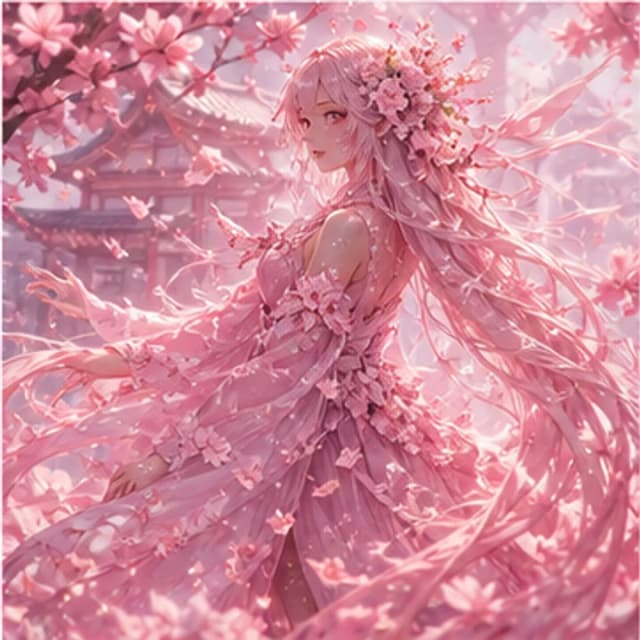
Anime portrait
Cherry blossom spirit
- Pastel palette
- Soft bokeh
- Portrait focus
Anime style creation
Create expressive anime portraits, original characters, game concepts, poster art, and social avatars. Describe the look, outfit, pose, setting, and mood to guide the image.
Anime samples
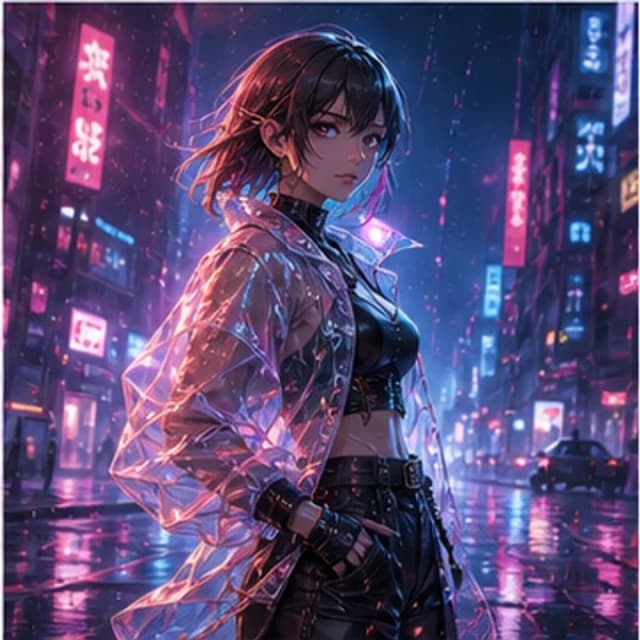
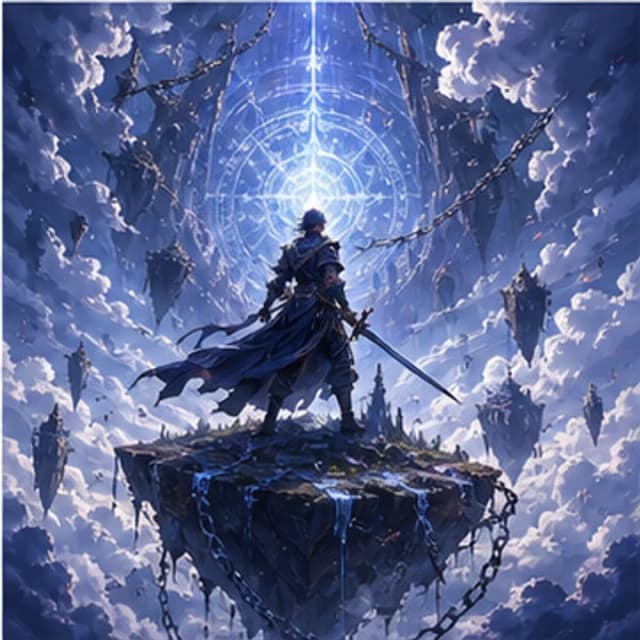
Explore anime avatars, poster artwork, and character concepts by describing the character, pose, atmosphere, and output format.
Try it now
Anime prompts work best when you define character traits, emotion, clothing, camera angle, and background atmosphere.
Prompt examples
Choose a sample to load its prompt into the generator, then adapt it to your idea.
Practical Guide
Start with one character and a clear action, then add clothing, setting, and framing. Resolve the composition before adding many details. These prompt revisions illustrate an approach, rather than tested before-and-after image results.
Keep hair color, hairstyle, clothing, and distinctive accessories in the description. Add an emotion and one clear action. For original characters, describe visible features instead of naming a known franchise character. In group scenes, specify the count and relative positions.
Try a front or side bust portrait and 1:1 for avatars, or 9:16 for wallpaper and poster artwork. For full-body actions, ask for the complete figure in frame and avoid props that obscure hands and feet. This page uses anime defaults.
Define the person before adding the location, weather, and light. Keep core traits and change one action or setting at a time to compare directions. Set poster titles and slogans in another editor rather than relying on generated text.
Fewer characters and one specific pose make it easier to inspect hands, props, and anatomy.
Retain the core traits and add a setting and framing. An identical description does not guarantee an identical character.
The current tool does not lock character identity, control a pose skeleton, or guarantee consistency across views. Character sheets, sequential scenes, and complex actions may need repeated attempts and manual corrections.
Use cases
Turn character descriptions into visual drafts for stories, games, or creator projects.
Generate expressive profile images with a consistent mood, palette, and background.
Create dramatic vertical visuals for wallpapers, light novels, videos, and campaigns.
Workflow
Anime prompts work best when character design, expression, outfit, scene, and lighting are planned together.
Set hair, outfit, age range, personality, and silhouette.
Choose cozy, dramatic, cyberpunk, fantasy, romantic, or action.
Add temple garden, neon street, studio desk, clouds, or battlefield.
Use 1:1 for avatars and 9:16 for posters or wallpapers.
FAQ
Yes. Use anime style with a square ratio for profile-ready avatar images.
Describe character age range, outfit, expression, pose, background, lighting, and anime style direction.
Yes. Use portrait 9:16 for posters, wallpapers, and vertical social images.
Tutorials & Examples
Read the prompts, settings, and review checklist, then return here to try the workflow.
Read the guide →