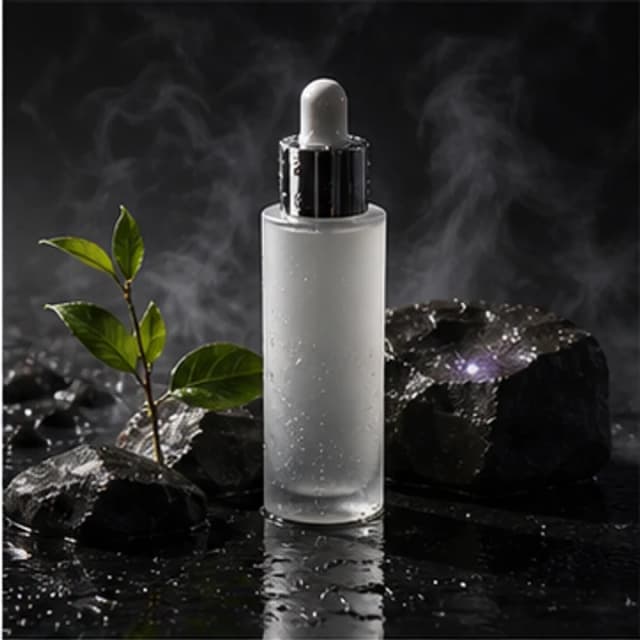
Product photo
Skincare ecommerce hero
- Black stone background
- Softbox reflection
- Landing page hero
Commercial image creation
Create studio-style product visuals without a physical shoot. Describe the product, surface, background, lighting, and brand mood to generate useful commercial concepts.
Reference samples
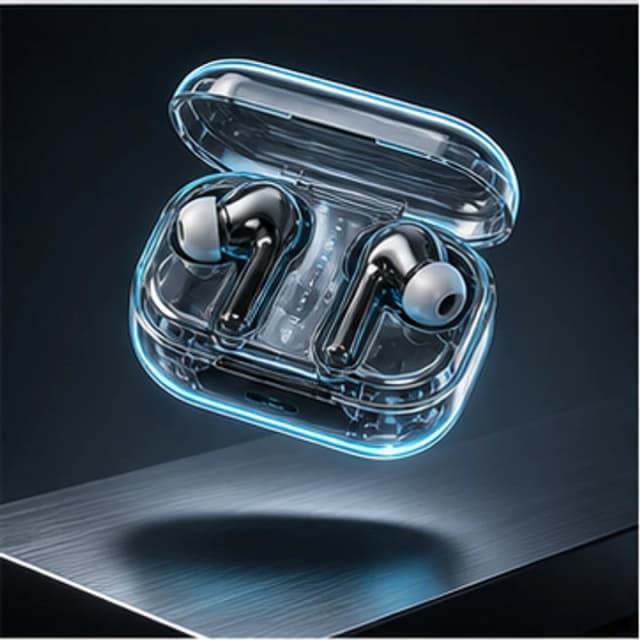
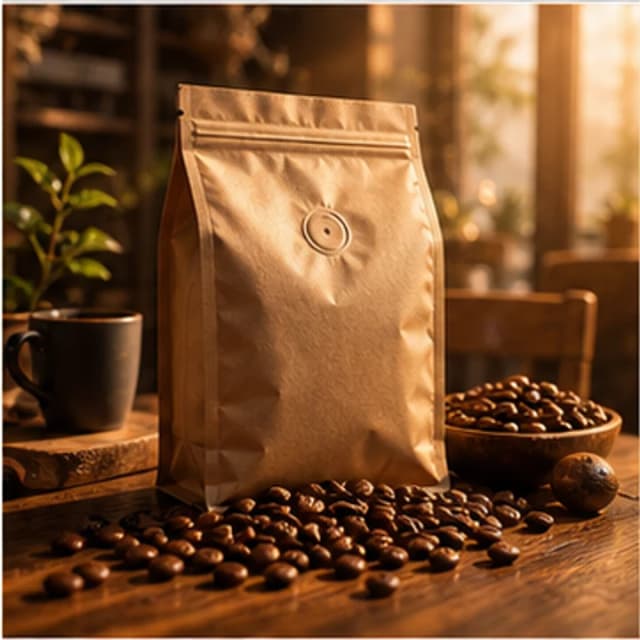
Use these as production briefs: each sample combines product type, background, lighting, camera angle, and marketing channel.
Try it now
Product prompts work best with clear material, lighting, background, camera angle, and target audience details.
Prompt examples
Choose a sample to load its prompt into the generator, then adapt it to your idea.
Practical Guide
Describe the product first, then add the background and composition. These revisions explain prompt choices; they are not measured before-and-after generation results. Load a prompt to try your own variation.
Replace 'premium skincare' with 'a cylindrical frosted-glass bottle with a silver cap'. State whether you want one item or a group, and name the details you need to check. Specific descriptions help you assess the output, but cannot guarantee an exact real-product match.
For listing concepts, try one item, a plain background, and few props. For campaign artwork, describe a setting and space for later text. Use 1:1 for square concepts, 16:9 for horizontal banners, or 9:16 for vertical artwork.
This page uses product-photography defaults. Describe materials, backgrounds, and camera angles in the prompt, changing one element per attempt so comparisons are easier. Add and verify model numbers, prices, labels, and brand text in another editor.
Materials, shape, quantity, and placement give you specific details to review in the generated image.
Fewer props and an explicit empty area make it easier to add accurate campaign information later. Check whether the output actually preserves that space.
This tool does not accept product photos or lock an existing product's identity. Use it to explore presentation concepts; accurate real-product imagery may require photography or an editing workflow that preserves the product.
Use cases
Create polished product visuals for landing pages, storefronts, and launch announcements.
Generate multiple lighting and background directions before choosing a campaign angle.
Explore luxury, minimalist, playful, or seasonal product presentation styles.
Workflow
Define the product, background, lighting, and intended format in your prompt, then generate a concept and review its details.
Define bottle, gadget, packaging, apparel, or food item.
Choose marble, studio sweep, lifestyle table, gradient, or seasonal scene.
Use softbox, rim light, natural window light, or cinematic backlight.
Export for shop square, landing page hero, social ad, or campaign poster.
FAQ
The current tool generates concepts from text and does not accept uploaded product photos or preserve an existing product exactly. Use it to explore backgrounds and presentation ideas; verify real product details before publishing.
Mention the product material, surface, background, lighting, camera angle, and brand mood.
Yes. Use the square 1:1 ratio for product listings and social commerce images.
Tutorials & Examples
Read the prompts, settings, and review checklist, then return here to try the workflow.
Read the guide →