Online Generation
Enter a text prompt, choose your settings, and generate images directly in your browser.
Generate images from text for free, with no signup. Describe your idea, choose your settings, and explore product concepts, avatars, anime illustrations, and marketing artwork.
Choose Your Task
Use the generator on this page for general ideas, or choose a product, avatar, or anime guide. The current workflow is free and requires no signup.
Upload an image to edit with words, replace its background, or explore a new style.
Image + instructionsText to ImageDescribe an idea and choose settings to create illustrations, backgrounds, and visual concepts.
Free to use · No signupProductExplore materials, backgrounds, and presentation ideas from text. Verify real product details before publishing.
Ecommerce conceptsAvatarsDescribe a character and compare styles for profile art. No personal photo upload is needed.
Square profile formatAnimeDefine a character, pose, and setting to explore portraits, wallpapers, and poster artwork.
Characters and scenesTutorials & Examples
Start with what the image needs to do. These guides explain prompts, settings, and review decisions for specific tasks, so you can follow along with the tools.
Build a ceramic-mug scene one decision at a time, then learn which part of the prompt to change when the result misses the brief.
Read the guide →Product imagesUse a skincare bottle and coffee package to work through shape, props, empty space, and the difference between a concept and an accurate product image.
Read the guide →AvatarsChoose a character and style, simplify the background, and check facial details and readability at small sizes.
Read the guide →AnimeBuild an original courier character, plan a readable single-person pose, and keep track of changes when exploring a new setting.
Read the guide →Image editingUpload a mug image on gray, request a pale blue studio background, and compare the actual result with the source. Check the mug shape, handle, and shadow before use.
Read the guide →Get Inspired
Click any example to start your creation
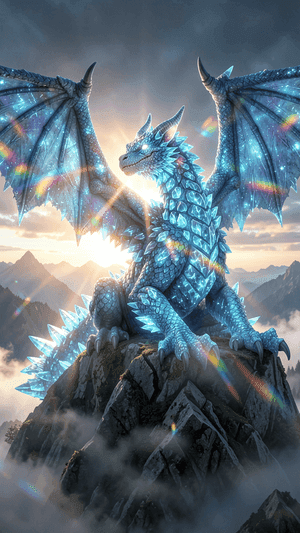
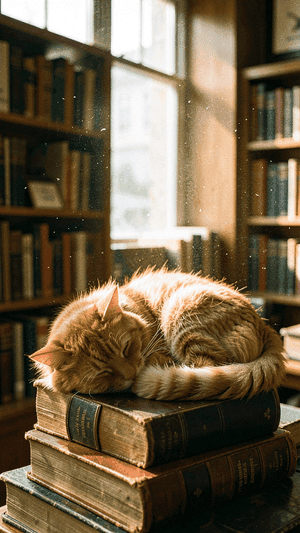
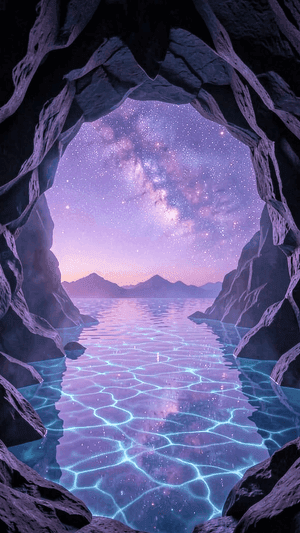
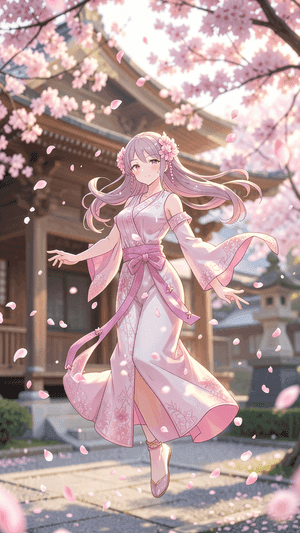
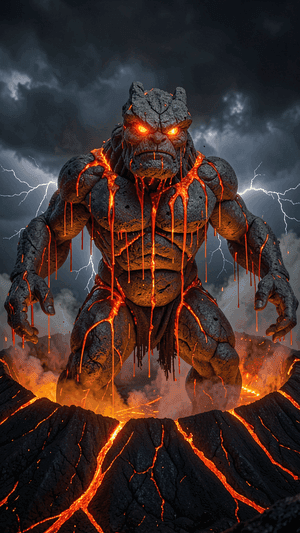
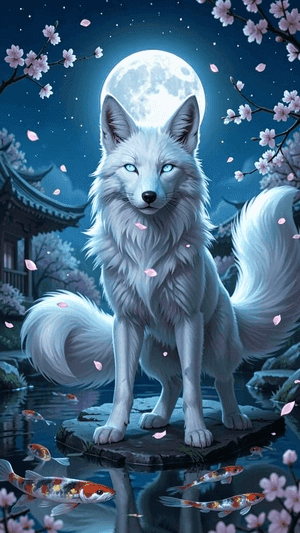
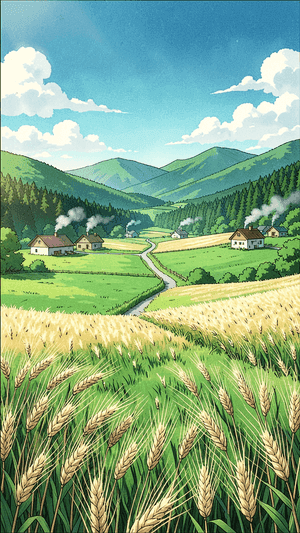
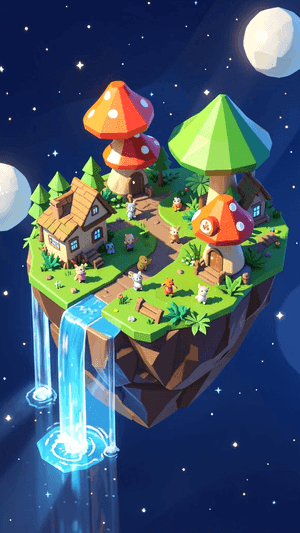
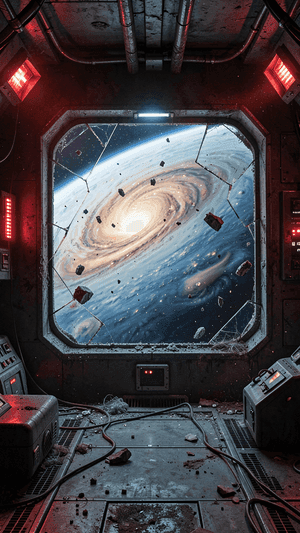
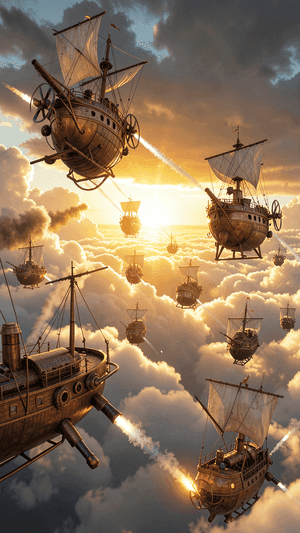
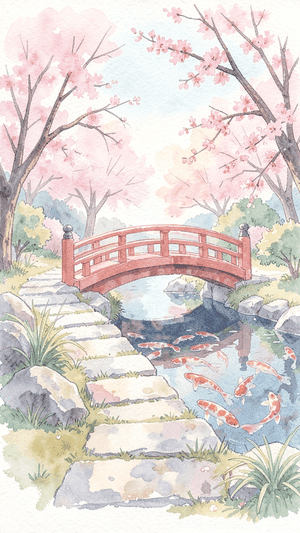
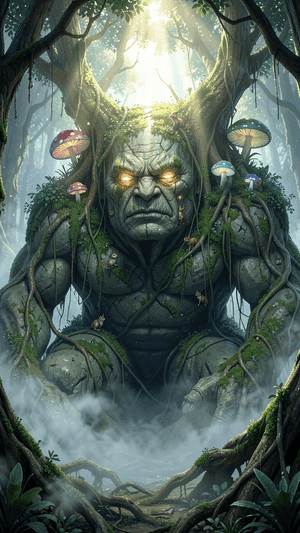
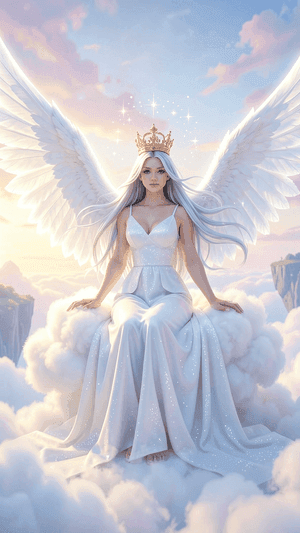
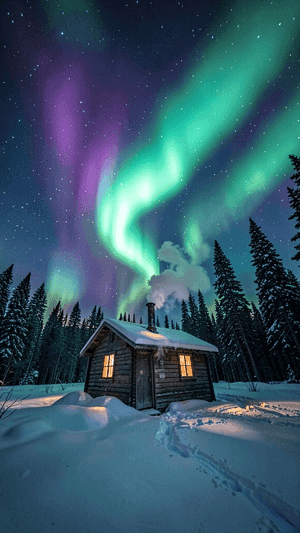
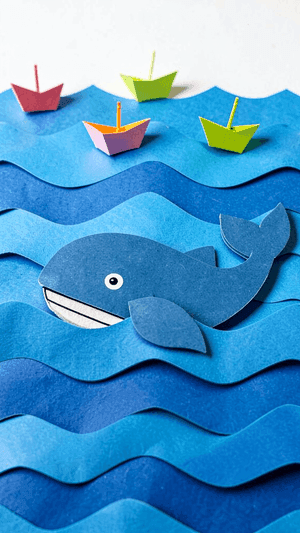
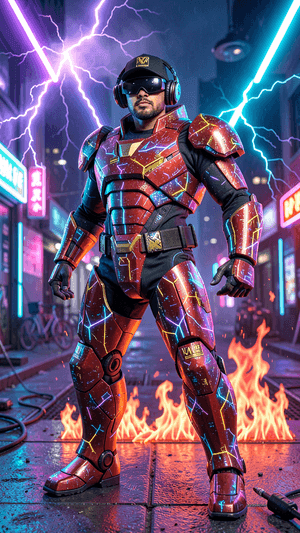
AI Styles
12 carefully tuned styles, one-click switch
Why GencraftApp
Enter a text prompt, choose your settings, and generate images directly in your browser.
No signup or payment. Create images from text or edit an existing image.
12+ art styles from realistic to anime, oil painting, 3D rendering.
Describe subjects, lighting, mood, and composition using text prompts.
Industry-leading image generation with rich details.
FAQ
Find answers to your questions
Use Cases
Describe a product, background, and lighting to explore presentation ideas. Results are concepts generated from text; check the details before representing a real product.
Try the tool →Describe a character, expression, and style to create profile art. Try a square crop and different styles; the current workflow does not use a personal photo as a reference.
Try the tool →Generate backgrounds and illustrations from a campaign theme. Add and check titles, prices, and layout in an editor before publishing.
Try the tool →