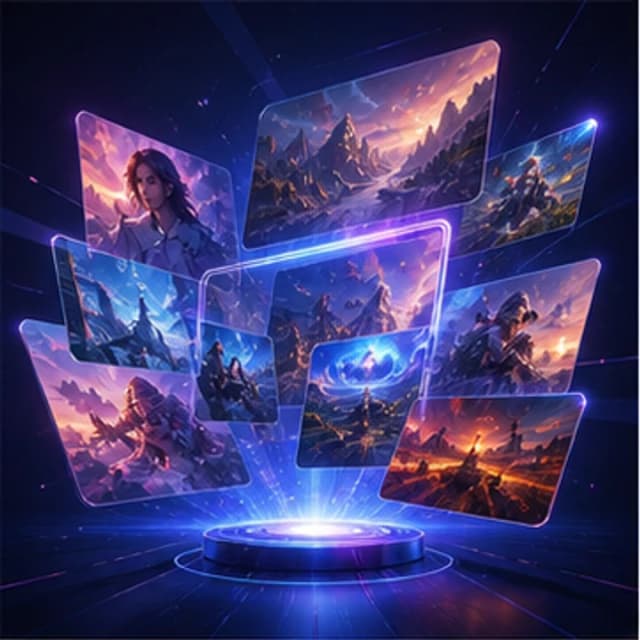
Campaign visual
Marketing poster
- Poster layout
- Cinematic light
- Social media ready
AI image tools hub
Start from one AI image workspace, then choose the visual workflow that fits your task: text-to-image, ecommerce product photos, social avatars, anime art, posters, and marketing assets.
Image tool samples
Use the hub page to choose the right workflow first: broad image creation, commercial visuals, avatars, anime art, or prompt-based generation.
Try it now
Write a prompt, choose style, lighting, composition, and ratio, then generate a visual direction for your creative project.
Prompt examples
These examples are written for this page's search intent. Click one to load it into the generator.
Use cases
Generate illustrations, posters, social graphics, thumbnails, and campaign concepts from text prompts.
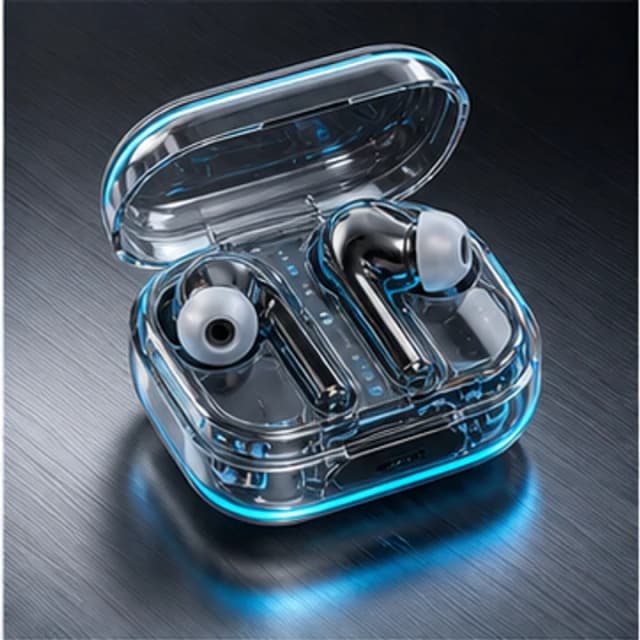
Create product photo directions, ecommerce hero images, ad concepts, and marketing assets.
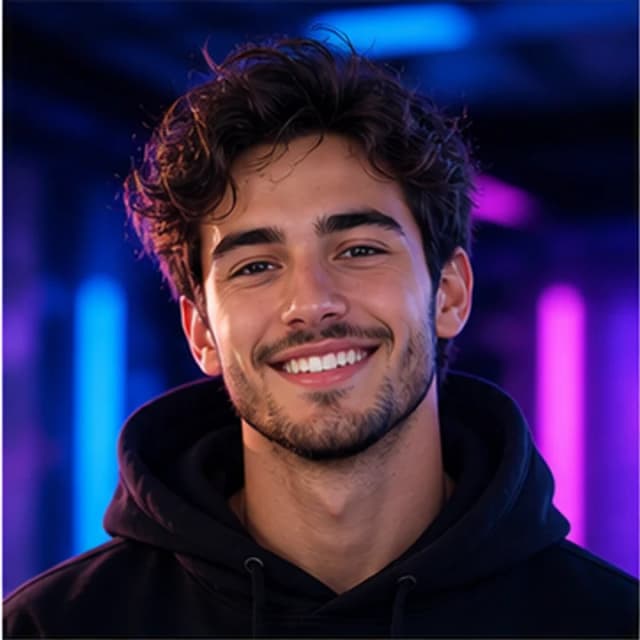
Make avatars, anime portraits, character ideas, and brand assistant visuals in one browser-based workspace.
Workflow
Start from the task you need to complete, then choose a prompt direction, style controls, and output format.
Pick the format that matches your search or campaign goal.
Start from a themed reference instead of a blank prompt box.
Adjust ratio, art style, color, light, and composition.
Create a visual and refine the prompt if needed.
FAQ
This page is the AI image tool hub. The text-to-image page focuses specifically on turning prompts into images, while this page points users to product photos, avatars, anime art, and other image workflows.
Yes. GencraftApp lets you start creating directly from the browser without signup or login.
Use text-to-image for general ideas, product photo for ecommerce visuals, avatar for profiles, and anime for character-driven artwork.