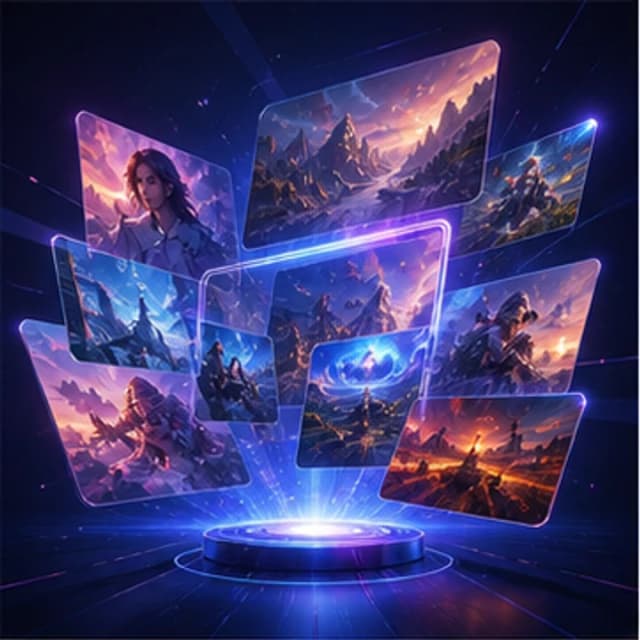
Campaign visual
Marketing poster
- Poster layout
- Cinematic light
- Social media ready
Prompt to image
Describe the subject, scene, lighting, style, and mood, then let GencraftApp transform the prompt into a visual. It is ideal for people who think in words but need strong images.
Prompt samples
Each reference shows how a written prompt maps to image type, lighting, style, and output format.

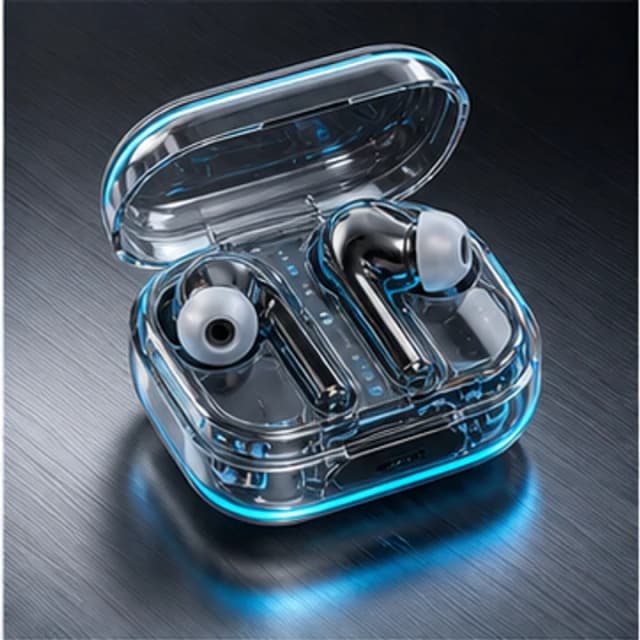
Try it now
The best results come from clear prompts. Use one of these examples, then adjust subject, style, lighting, and composition.
Prompt examples
These examples are written for this page's search intent. Click one to load it into the generator.
Use cases
Test subject, lighting, and mood variations without rebuilding the whole image brief.
Convert written campaign ideas, story concepts, and product descriptions into images.
Use repeatable prompt structures for posts, ads, thumbnails, and editorial visuals.
Workflow
Strong text-to-image pages should teach users how to build prompts, not only show a blank textarea.
Pick the format that matches your search or campaign goal.
Start from a themed reference instead of a blank prompt box.
Adjust ratio, art style, color, light, and composition.
Create a visual and refine the prompt if needed.
FAQ
Start with subject, scene, lighting, style, and details. Clear and specific prompts usually work better than long but conflicting prompts.
Yes. Short prompts can work well, but adding style, lighting, and composition details gives the AI more direction.
Yes. GencraftApp runs in the browser, so you can create images from a phone, tablet, or desktop.